tacey
tacey Install on Shopify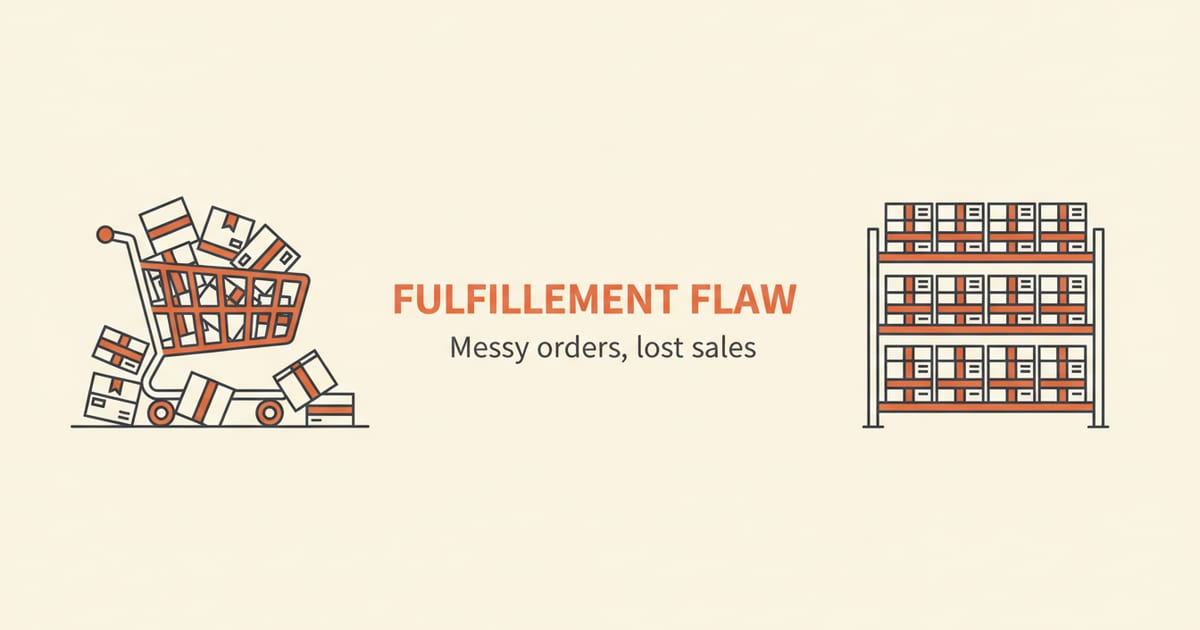
A Shopify Fulfillment Order is a technical object representing a group of items in a single order that must be fulfilled from the same location. It is Shopify's way of separating the customer's purchase from the specific work required by a warehouse, enabling complex logistics like split shipments and multi-location inventory.
What is the core job of a Fulfillment Order?
The Fulfillment Order's main job is to act as a work order for your warehouse or fulfillment service. It tells the fulfillment team exactly which items from a customer's order they are responsible for picking, packing, and shipping. This is a crucial distinction from the overall order itself.
Think of an order as the customer's complete shopping cart at the moment of payment. It's the record of the entire transaction. A fulfillment order, however, is an instruction sheet derived from that transaction. An order might contain five items, but if three ship from your main warehouse and two ship from a secondary location, Shopify will generate two separate fulfillment orders.
This separation is what allows a single customer purchase to become multiple, distinct fulfillment jobs. Each fulfillment order has its own lifecycle and status, moving from `OPEN` to `CLOSED` independently of any others associated with the same original order.
For example, imagine a customer buys a leather jacket (stocked in your primary warehouse) and a pair of wool socks (stocked only in a secondary, smaller warehouse). Shopify creates two fulfillment orders. One is assigned to the primary location for the jacket, and the other is assigned to the secondary location for the socks. Each warehouse sees only the work it needs to do.
How does a Fulfillment Order differ from a Fulfillment?
A Fulfillment Order is the request for work, while a Fulfillment is the record that the work was done. This is a common point of confusion. The `FulfillmentOrder` object tells a location what to do. The `Fulfillment` object is created after the fact, containing details like tracking numbers and which items were shipped.
Here is the typical sequence:
- A customer places an order.
- Shopify creates one or more `FulfillmentOrder` objects based on item availability and location rules.
- Your warehouse team or fulfillment app sees an `OPEN` fulfillment order.
- They pick and pack the items, then create a `Fulfillment` to mark the work as complete, attaching tracking information.
- The `FulfillmentOrder` is then `CLOSED`.
You can see this relationship in your admin. A fulfillment order is the pending task in your fulfillment queue. A fulfillment is the record that appears on the order timeline once a shipping label is created and the package is on its way. The `Fulfillment` object itself has a shipment status, such as `label_printed`, `in_transit`, or `delivered`, which gives you even more granular tracking information.
Why did Shopify introduce this system?
Shopify created the fulfillment order system to support the increasingly complex needs of modern ecommerce. The previous, simpler model treated an order as a single unit to be fulfilled. This worked for stores shipping from one location, but it struggled to handle more advanced inventory and shipping strategies.
The primary drivers for this change were multi-location inventory and split shipments. As brands grow, they often hold inventory in multiple warehouses, retail stores, or with third-party logistics (3PL) partners. The fulfillment order object allows Shopify to intelligently route parts of an order to the correct location for fulfillment.
Before this system, merchants used clumsy workarounds for split shipments. This often involved exporting orders to spreadsheets, manually deciding which warehouse would ship what, and then creating multiple draft orders or using specialized apps to manage the chaos. This manual process was slow, prone to error, and a significant drain on resources as a store grew.
This structure also provides the necessary framework for partial fulfillments and backorders. It gives merchants a clear, machine-readable way to track which parts of an order are still pending versus which have already been shipped, a task that was previously difficult to manage within Shopify's data model.
How are Fulfillment Orders created and managed?
For most merchants, fulfillment orders are created automatically the moment a customer completes a purchase. Shopify analyzes the line items in the order, checks their assigned fulfillment locations, and generates a separate fulfillment order for each location that needs to ship something.
For example, if a customer buys a t-shirt you stock in-house and a mug that is dropshipped, Shopify creates two fulfillment orders. One is assigned to your default location, and the other is assigned to the dropshipping app or service, which acts as its own location.
You can view and manage these from the order detail page in your admin. You will see each group of items waiting to be fulfilled, and you can process them individually. This is also where you would manually move a fulfillment order to a different location if needed, for instance, to balance warehouse workload.
Manually Reassigning a Fulfillment Order
Sometimes you need to override Shopify's automatic routing. Perhaps your primary warehouse is temporarily closed, or you want to shift a fulfillment to a location closer to the customer to save on shipping. You can manually reassign an open fulfillment order to any other location that stocks the required items.
To do this, you navigate to the specific order in your Shopify admin. In the unfulfilled section, you will find a menu where you can select "Change location." From there, you choose the new location for the items. This action moves the entire open fulfillment order, telling a different team to handle the job.
The Trade-off of Location Priority
Shopify's order routing rules allow you to set a priority for your fulfillment locations. You can rank them based on which one should be used first. This gives you control over your fulfillment logic, but it involves a trade-off between shipping speed and cost.
Prioritizing the location closest to the customer can reduce shipping times and costs. However, that location might have higher labor costs or be running low on a specific product. You might instead prioritize a central warehouse with lower operational expenses, even if it means slightly longer delivery times for some customers. These are strategic choices you configure in your shipping settings.
Imagine a customer in California orders a product. Your company has a warehouse in California and a larger, central one in Ohio. The order routing rules must decide which location gets the fulfillment order. This choice has direct financial consequences.
The California warehouse has higher labor costs, adding to each pick. But shipping to the customer from there is faster and less expensive. The Ohio warehouse is cheaper to operate, but shipping cross-country costs more and takes several days longer.
Choosing the California location results in a higher fulfillment cost but a faster delivery. Choosing Ohio costs less in labor but more in shipping, with a longer wait for the customer. Your priority setting determines whether you optimize for cost savings on this order or get it to the customer several days faster. This is the constant trade-off you must manage.
What happens when an order is edited after purchase?
Order edits introduce a layer of complexity that directly impacts fulfillment orders. When a customer changes their order after paying, the list of items that needs to be fulfilled also changes. This could involve swapping a variant, adding a new product, or removing an item entirely.
When an item is added or changed, Shopify's system needs to update the corresponding fulfillment order to reflect the new reality for the warehouse. If an item is removed, the fulfillment order must be adjusted so the warehouse staff doesn't pick and pack an item the customer no longer wants.
The Cost of a Mispick from a Late Edit
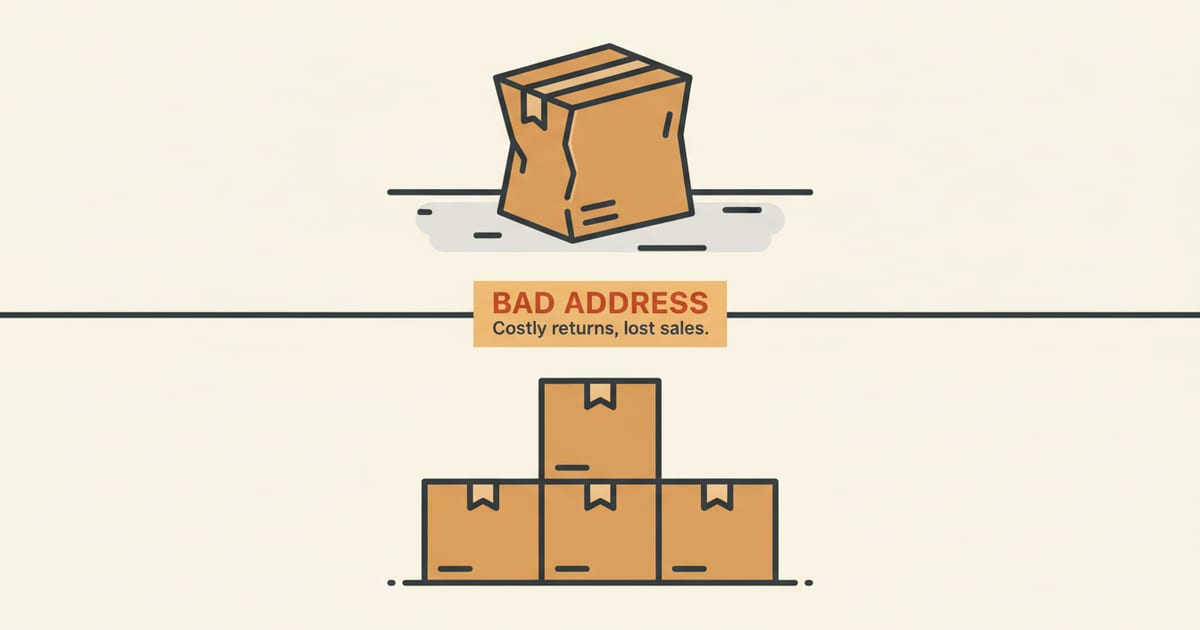
When an edit comes too late, the costs can multiply. If a warehouse team picks and packs an item that a customer removed from their order just minutes prior, that error, known as a mispick, becomes expensive. The initial error alone generates several costs: the labor spent on the incorrect pick and pack, the wasted shipping materials, and the significant expense of the outbound shipping for a product the customer no longer wants. These are sunk costs before the customer is even aware of the mistake.
The process of correcting the error adds another series of expenses. A return shipping label must be issued to retrieve the incorrect item, adding another shipping charge to the tally. Once the item arrives back at the warehouse, it requires more labor to receive, inspect, and restock it, assuming it returns in sellable condition. Each of these steps represents a tangible cost that erodes the order's profitability.
Finally, the merchant must still make the customer whole. This involves shipping the correct item, which often requires expedited service to compensate for the delay and frustration. This final shipment is another complete fulfillment cycle, with its own labor, material, and high shipping costs. The total financial impact of a single mispick is therefore substantial, compounding across multiple stages of labor and logistics.
This is why real-time synchronization between an order editing tool and the fulfillment order is critical. The moment an edit is made, the warehouse's instructions must update before the picking process begins.
This is where post-purchase editing tools must integrate carefully with the fulfillment order system. An app like Tacey, which allows customers to perform their own order editing on the order status page, works by communicating these changes directly to the FulfillmentOrder objects. This communication is designed to accurately reflect any customer-initiated update in the warehouse's queue before the original items are picked.
How do different fulfillment strategies use this object?
The utility of the fulfillment order object becomes more apparent as a store's logistics become more sophisticated. Different fulfillment models rely on this data structure to function correctly within the Shopify ecosystem.
For stores using a 3PL, the fulfillment order is the core piece of information their software polls for. The 3PL's system watches for new, open fulfillment orders assigned to its location, pulls them in via the API, and then pushes back fulfillment data and tracking numbers once the order ships.
Dropshipping apps function similarly. They are configured as a fulfillment service and location. When an order contains one of their products, a fulfillment order is assigned to them. This triggers the dropshipper to send the product to the customer on your behalf.
Buy Online, Pick Up In Store (BOPIS)
Buy Online, Pick Up In Store (BOPIS), also known as click and collect, is another strategy built on this framework. In this model, a physical retail store acts as a fulfillment location. When a customer chooses in-store pickup at checkout, Shopify creates a fulfillment order and assigns it to that specific store.
The primary risk in a BOPIS model is a race condition for the last item in stock. Imagine a customer buys the last available sweater online for in-store pickup. In the five minutes it takes for your staff to see the notification and pull the item, a walk-in customer buys it from the rack.
You now have a confirmed online order for an item you no longer possess. This leads to a negative experience, requiring an apology and a cancellation. It underscores why real-time inventory sync between your e-commerce platform and your physical POS is non-negotiable for a successful BOPIS strategy.
A store employee then receives this fulfillment order through their Shopify POS system. They pick the item from the sales floor or backroom and prepare it for the customer. When the customer arrives and collects their purchase, the employee marks the order as fulfilled in the POS, which closes the fulfillment order.
Even stores that fulfill everything themselves from one location benefit. The fulfillment order provides a clean, predictable data structure for fulfillment apps and for analyzing performance, such as the time between an order being placed and it being fulfilled.
The gap between what a customer wants and what the warehouse ships is where profit is lost. The Fulfillment Order is the technical bridge that closes that gap, but only if the data on it is perfect.
What are the common statuses of a Fulfillment Order?
A fulfillment order moves through several statuses that track its progress. Understanding these helps you diagnose where an order is in the pipeline. The main statuses you will encounter are `OPEN`, `IN_PROGRESS`, `SCHEDULED`, and `CLOSED`.
An `OPEN` status means the fulfillment request has been created and is ready for action. This is the default state for new orders. `IN_PROGRESS` indicates that a fulfillment process has started; for example, a warehouse worker might have accepted the job in their management system. `SCHEDULED` is used for orders with a future fulfillment date, like pre-orders.
Handling Exceptions with `ON_HOLD`
An important status for managing exceptions is `ON_HOLD`. This status allows a merchant to pause the fulfillment process without canceling the order. An order might be put on hold for various reasons, such as a high-risk fraud analysis, a customer request, or an inventory discrepancy.
The `ON_HOLD` status gets complicated with split shipments. Imagine an order contains a shirt from your warehouse and a hat from a dropshipper. You spot a potential fraud risk and place your warehouse's fulfillment order `ON_HOLD` for review.
However, the dropshipper’s automated system may not see this hold status. It could proceed to ship the hat immediately. This results in a partial shipment for a potentially fraudulent order, or confuses a good customer who is waiting for an address correction. Co-ordinating holds across different fulfillment partners is a significant operational challenge.
While a fulfillment order is `ON_HOLD`, inventory can still be reserved, but fulfillment is blocked. This prevents an order from being shipped while an issue is investigated. For instance, a hold might be automatically applied if an order is flagged for high fraud risk, giving the merchant time to review it. The hold must be manually or automatically released before the order status can return to `OPEN` and proceed to fulfillment.
Finally, `CLOSED` means all the work on that fulfillment order is done. This can happen in two ways: it is either fulfilled and a `Fulfillment` object has been created, or it has been canceled. Once closed, a fulfillment order cannot be reopened. This finality is crucial for accurate record-keeping.
Ultimately, the Shopify Fulfillment Order is more than just a technical detail. It is the fundamental building block of modern, flexible fulfillment on the platform. By understanding how it works, you can better manage your inventory, streamline your shipping, and use tools that give your customers the post-purchase flexibility they expect.
Frequently asked questions
Can I manually create a fulfillment order?
No, merchants cannot manually create a fulfillment order from scratch. They are generated automatically by Shopify when an order is created. You can, however, reassign an open fulfillment order from one location to another if needed.
What is the difference between a fulfillment and a fulfillment order?
A fulfillment order is the *request* to ship items from a specific location. A fulfillment is the *record* that those items have been shipped, which includes details like the shipping carrier and tracking number.
Do all Shopify plans use fulfillment orders?
Yes, the fulfillment order data structure is a core part of the Shopify platform and is used by all stores, regardless of their plan. However, its full potential is most realized by merchants using multiple inventory locations, which is available on the main Shopify plan and higher.
How do returns affect fulfillment orders?
Returns do not directly affect closed fulfillment orders. A return is managed through a separate `Refund` and `Return` object process. The original fulfillment order remains closed, as it accurately reflects the work that was done to ship the item initially.
Can a single fulfillment order be shipped in multiple packages?
Yes. A single fulfillment order can be fulfilled with multiple `Fulfillment` objects, each with its own tracking number. This is useful if items in one fulfillment order are too large or fragile to ship in a single box.
What does a 'closed' fulfillment order mean?
A closed fulfillment order means the work associated with it is complete. This usually means the items have been shipped and a fulfillment record was created. It can also mean the fulfillment order was canceled before any items were shipped.
 Install on Shopify