Tacey is a Shopify app that can offer a customer something extra on the thank you page and the order status page while the edit window is open: a free gift once the order passes a total you set, and a Recommended for you row they can add from. Anything that costs money shows the exact amount and waits for the customer's yes.
14-day free trial on every plan. No setup call required.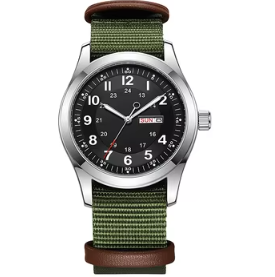

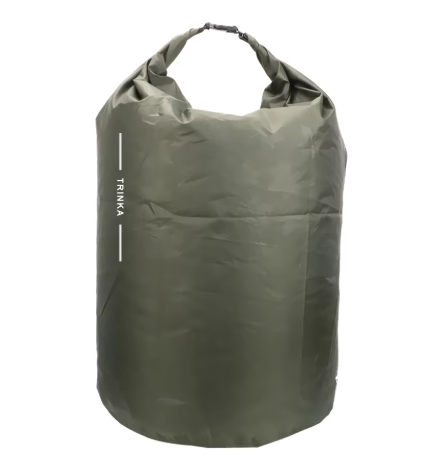
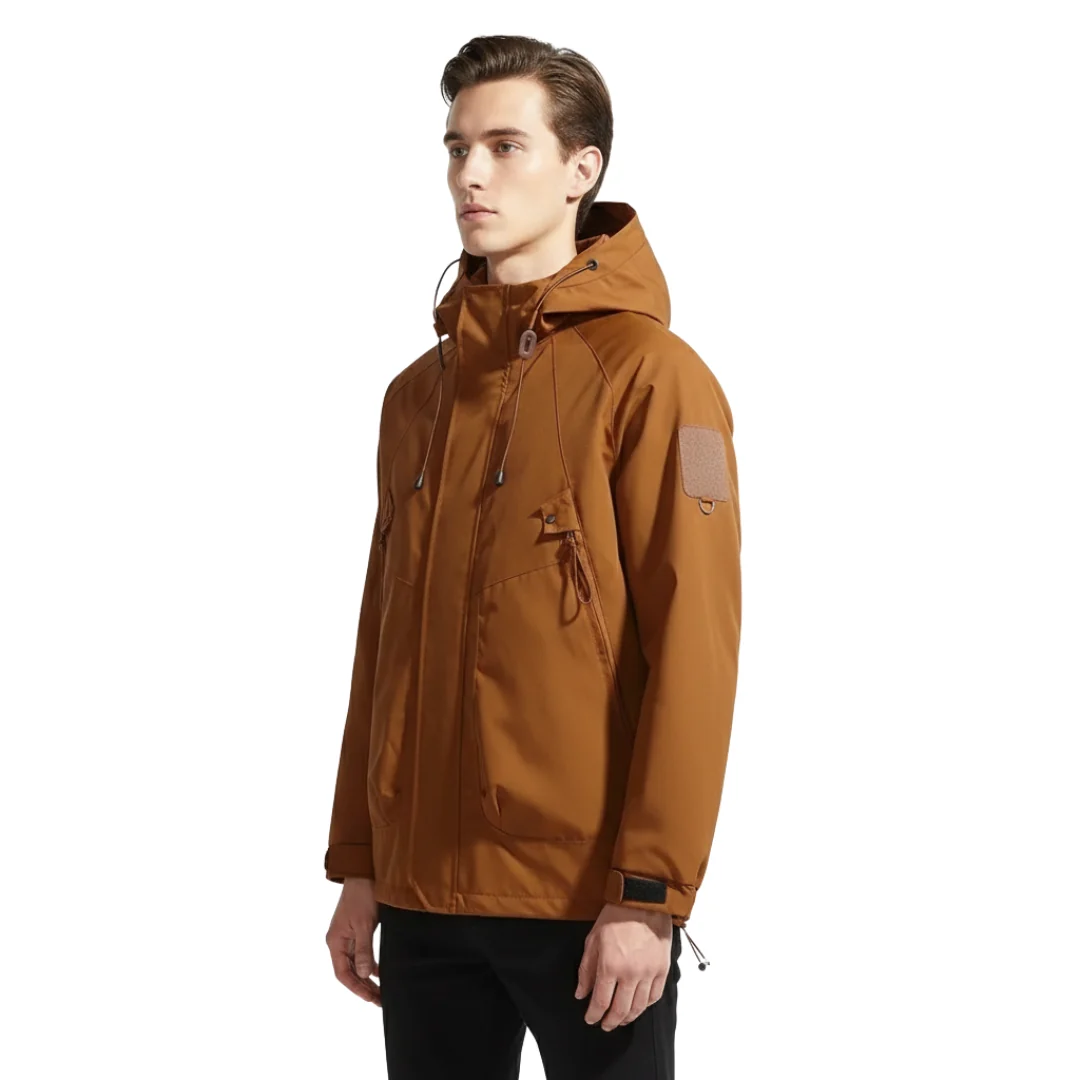 Ridgeline Shell$68.00
 Trail Cap$56.00
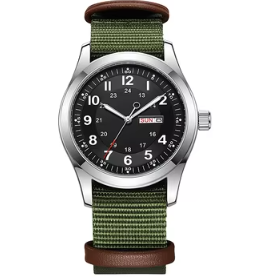 Field Strap, adding$28.00
The free gift and the Recommended for you row sit in the same tray as the edit tools, on the thank you page and the order status page, so your customer reviews and confirms once.
This is not a second app bolted on. It is the same edit window, the same page, and the same order your customer is already looking at. By default, an item added through it ships in the same parcel.The offer appears on the same two pages as the edit tools. You add the Tacey block to those pages in Shopify, and the free gift appears only once you have set a total and at least one gift product.
Free gift. The order total a customer has to reach, and which products can be the gift.
Recommended for you. Best sellers unless you choose otherwise. You can set rules by order total, by product or by collection.
Shipping. By default an added item ships in the same parcel, and the shipping you already charge covers it.
The same order page a customer returns to just to check on shipping is also where the edit tools live. A relevant product sitting there costs nothing extra to show.
 Merino Socks$18.00, recommended for youAdd to order
Some apps put an offer inside Shopify checkout itself, or on a separate post-purchase screen between payment and the thank you page. Those are different Shopify surfaces with different requirements, and Tacey does not offer either today. What it offers is the tray on the order pages every merchant on every plan can use.
A free gift costs the customer nothing. A product from Recommended for you is a normal purchase: Tacey stages it against the live order, shows the exact amount Shopify says is due, and adds nothing until the customer confirms.
Tacey works out no price of its own. The amount the customer sees is the one Shopify reports for their order.Field Strap, OliveUnlocked by the order total you set$0.00 tacey
tacey Install on Shopify
 Install on Shopify