 tacey
tacey Install on Shopify
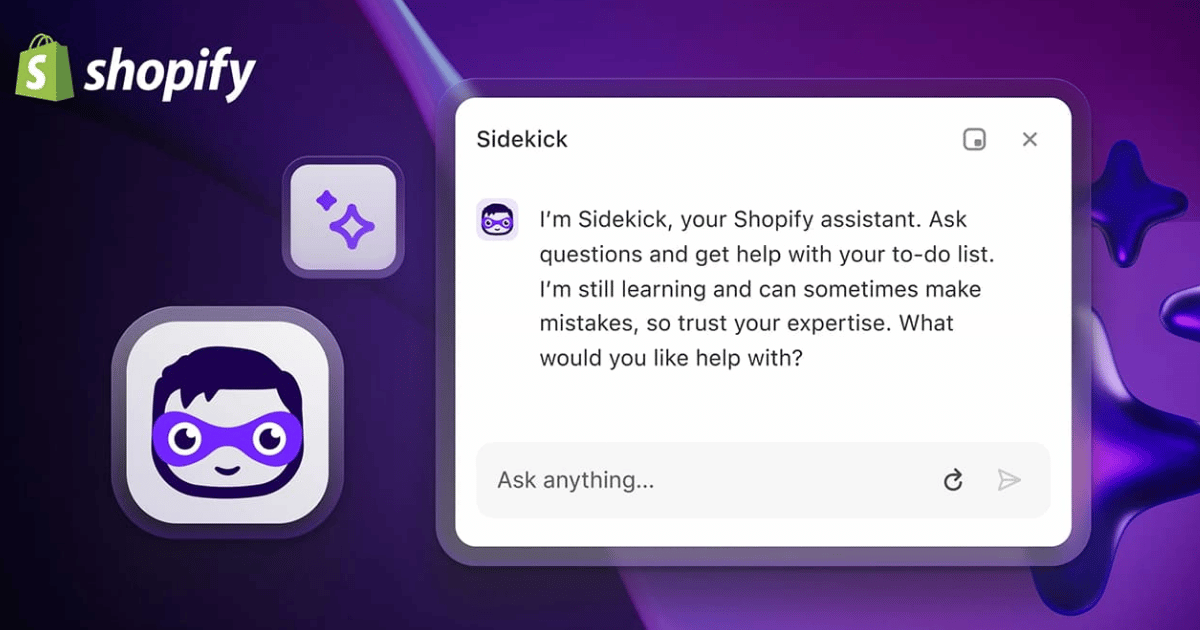
Shopify Sidekick has been available since early 2025, but many merchants ignored it for the first year. They would type a question, get a generic answer, and return to manual work. The icon in the admin corner was rarely a source of real help.
That changed with Shopify's Winter 2026 Edition. This update repositioned Sidekick from a simple assistant to an AI coworker. The upgrade is meaningful, though some parts are still aspirational. This article covers what Sidekick actually does in 2026, which tasks are worth using it for daily, and where its limits remain.
What is Shopify Sidekick and how does it work?
Shopify Sidekick is a free, built-in AI assistant available on all Shopify plans. It connects to your store data, products, orders, and customers, to answer questions and complete tasks you describe in plain language. This allows you to manage your store without navigating through multiple admin pages.
What makes it different from a generic AI chatbot is that Sidekick is connected to your store data. It knows your products, orders, customers, and settings. When you ask it a question, it operates with that context already loaded. You are not copy-pasting data into a prompt; you are asking about your actual business.
GetMesa describes the effect well: Sidekick can do in 30 seconds what used to take 10 clicks across three different pages. Tasks that required navigating nested menus or cross-referencing reports can now be completed with a single sentence.
The Winter 2026 update added Sidekick Pulse, which moves the tool from reactive to proactive. Instead of waiting for you to ask, it monitors your store data and surfaces alerts and recommendations on its own. It flags anomalies and spots trends before you notice them in your numbers.
What daily tasks can Shopify Sidekick actually speed up?
Sidekick genuinely saves time on routine operational tasks. Merchants use it daily to create complex discounts, build specific customer segments, generate Shopify Flow automations, and query analytics with simple questions. It also helps with theme edits and drafting product descriptions, reducing manual admin work.
Based on merchant usage and Shopify's documentation, these are the areas where Sidekick delivers consistent value:
- Discount and promotion creation. Instead of using the Discounts section, you can type: "Create a 20% off code for first-time customers, expires in 7 days, single use per customer." Sidekick builds it, saving significant time for stores that run frequent promotions, as AdsX notes.
- Customer segmentation. You can describe a segment in plain language. GetMesa's tutorial shows an example: "Show me all customers who ordered in the last 90 days but haven't ordered in the past 30 days." Sidekick returns the list and creates the segment.
- Shopify Flow automation building. Shopify Flow is powerful but has a learning curve. Sidekick lets you describe an automation in plain language. According to Shopify's release notes, you can say "When inventory drops below 10, send a Slack alert and tag the product, " and Sidekick builds the Flow.
- Analytics queries. Sidekick connects to your analytics to answer conversational questions like, "Why did my sales drop last week?" Shopify's Winter 2026 Edition page highlights Sidekick Pulse for proactively surfacing issues like checkout abandonment spikes.
- Theme editing. Sidekick can make limited theme edits from the chat interface, like color adjustments or adding content blocks. FixMyStore notes this saves real cost for non-technical owners who previously hired help for minor changes.
- Product description generation. Working with Shopify Magic, Sidekick can generate copy. AdsX advises using the output as a starting point that you edit for brand voice, not as final copy.
Can Sidekick build custom tools for my store?
Yes, on eligible plans, Sidekick can generate custom admin apps for internal use. You describe a simple tool, like a return eligibility checker or a task tracker, and Sidekick builds it using Shopify's design components. This eliminates the need to hire developers for simple internal workflow tools.
For eligible plans (Grow, Plus, Enterprise), you can describe an internal tool and Sidekick builds it. Shopify's edition notes give examples like an app to check return eligibility or a team task tracker. Sidekick writes the app, connects it to the Admin API, and packages it for you to install.
For small and medium stores, this is important because it removes the cost of custom development for simple workflows. The output is not a production-grade custom app, but for internal tools, it closes a gap that used to require a significant budget.
How can I reuse my best Sidekick prompts?
You can save, share, and reuse your most effective prompts using a feature called Sidekick Skills. Once you find a prompt that works well, you can save it as a Skill. This creates a shortcut for you and your team, ensuring everyone gets consistent, high-quality results from the AI.
According to Shopify's merchant edition notes, this feature turns a personal library of effective prompts into shared team infrastructure. Teams working across multiple admin users can share prompt libraries so everyone gets consistent outputs for tasks like customer segmentation or discount creation.
What are the limitations of Shopify Sidekick?
Sidekick's strategic advice is often generic, and it lacks deep competitive insight. Its integration with third-party apps is limited, and it cannot solve complex technical issues like API failures. While it saves time on execution, it does not replace human judgment for high-level marketing or business strategy.
A survey by AdsX found its marketing recommendations are sensible but universal. It lacks insight into your specific brand positioning or competitive environment. For genuine strategy, experienced human judgment still leads.
Third-party app integration is also a weakness. Sidekick works well with Shopify's native features but cannot access most third-party apps. Those apps must build Sidekick App Extensions, a new feature that is not yet widely adopted, as explained in Shopify's developer documentation.
Finally, AdsX notes that Sidekick saves small teams an average of 5 to 10 hours per week. The time savings are real, but they come from operational execution, not from strategic insight. Sidekick is a multiplier for doing things you already know how to do.
How can I start using Sidekick every day?
Start your day by asking Sidekick for a store summary and inventory alerts. Default to using it first for tasks like creating promotions or customer segments. Use it to generate first drafts of copy, then edit for brand voice. Save any prompt that works well as a reusable Sidekick Skill.
A practical daily pattern is to open Sidekick and ask, "What happened in my store yesterday?" This gives you an immediate operational picture. When you need to build a promotion or segment customers, describe what you want in plain language before trying to navigate the admin manually.
For product descriptions and email copy, use Sidekick to generate first drafts. Treat the output as a 70% solution that requires editing. Over time, saving your best prompts as Sidekick Skills builds a library of repeatable workflows that reduce the cognitive load of daily store management.
What part of the order process does Sidekick not handle?
Sidekick does not manage the post-checkout, pre-fulfillment stage of an order. It can report on issues like bad addresses or fraud signals after they occur, but it cannot intercept and fix them before the order goes to your warehouse. This is where other specialized tools operate.
When a bad address or fraud signal arrives, Sidekick can tell you it is there. It cannot intercept the order, verify the address, or make a decision to hold it before it reaches fulfillment. Data from Shippo shows that 2.1% of e-commerce parcels carry bad addresses, creating problems that Sidekick reports on but does not prevent.
Tacey operates at that pre-label layer. It sits between payment and fulfillment on every Shopify order. Tacey checks the address the moment the order is placed and lets the customer fix their own order on the order status page before the warehouse ever sees it.
Sidekick helps the merchant run the store, while Tacey handles what happens to an order between payment and shipping. Plans start at $29 a month for 750 orders and scale with order volume. A 14-day free trial is available.
Frequently asked questions
Is Shopify Sidekick free to use?
Yes, Sidekick is included with every Shopify plan at no additional cost. It is a built-in feature of the Shopify admin, so there is no need for separate accounts, API keys, or installation.
What is Sidekick Pulse?
Sidekick Pulse is a proactive feature introduced in the Winter 2026 update. It runs in the background, monitors your store data, and automatically surfaces important alerts and recommendations, such as sales anomalies or trending products.
Can Sidekick help with marketing copy?
Yes, Sidekick works with Shopify Magic to generate or rewrite content like product descriptions and email subject lines. The output provides a solid first draft but often requires editing to add brand personality and move beyond generic phrasing.
Does Sidekick work with other Shopify apps?
Sidekick's integration with third-party apps is currently limited. It can only interact with apps that have built a Sidekick App Extension, a new feature that has not yet been widely adopted by developers.
How much time can Sidekick actually save?
According to merchant surveys, Sidekick and Shopify Magic can save solo operators and small teams an average of 5 to 10 hours per week. These savings come from speeding up operational tasks, not from replacing strategic work.
Can Sidekick build a custom app for my store?
For stores on eligible plans, Sidekick can generate simple, custom admin apps for internal use. You describe the tool you need in plain language, and Sidekick builds it, saving the cost of custom development for small operational tools.
 Install on Shopify