tacey
tacey Install on Shopify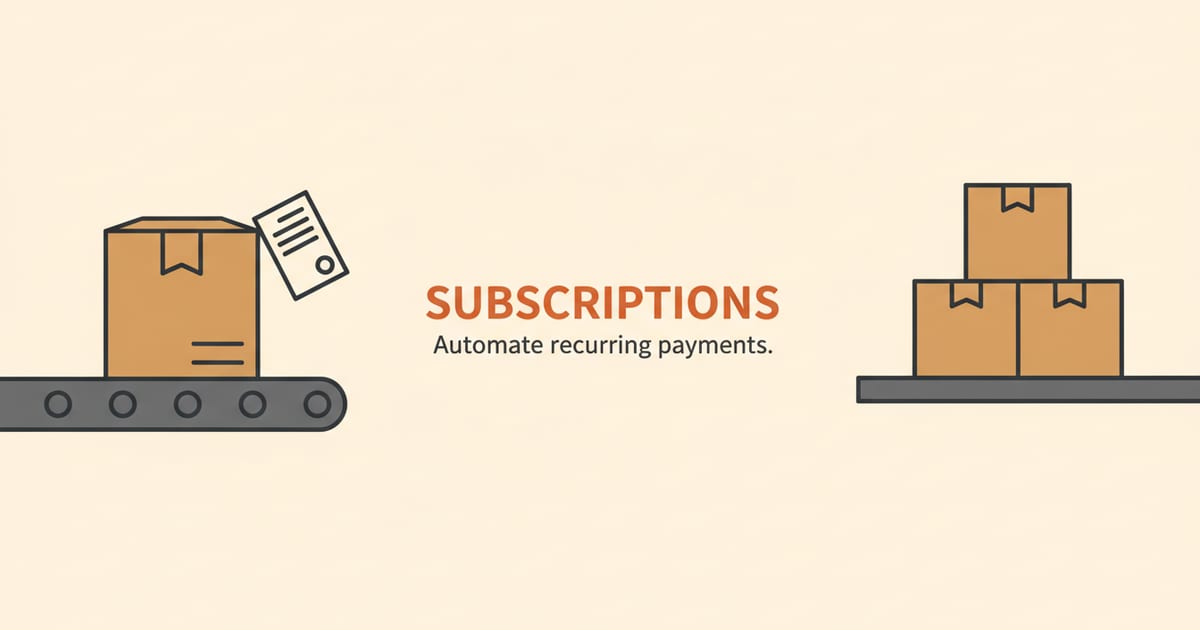
Shopify has released a new tool for developers that changes a fundamental part of running a subscription business. The Shopify SubscriptionContractCalculation API overhauls how subscription apps handle edits, moving the logic into Shopify’s own checkout engine. For merchants, this means more consistency and reliability for customers who modify their subscriptions.
This change addresses long-standing challenges with subscription management on the platform. Previously, calculations for edits happened outside of Shopify's core system, leading to potential mismatches. Now, the same robust logic that powers initial checkouts will handle subsequent subscription changes, creating a more unified experience.
What is the Shopify SubscriptionContractCalculation API?
The SubscriptionContractCalculation API is a new method for subscription apps to calculate the cost of changes to a customer's recurring order. When a customer adds a product, swaps an item, or changes their delivery frequency, this API determines the new cost. Its main function is to run these edits through Shopify's powerful, centralized checkout engine.
Think of it as a simulator. Before committing a change, a subscription app sends the proposed edits to the API. Shopify then calculates the precise impact on taxes, shipping costs, and any applicable discounts, just as it would for a new purchase. It returns a preview of the new contract terms, which the app can then confirm.
This preview is not just an estimate; it is an immutable snapshot of the exact terms the customer will be billed on. The app receives a complete breakdown including totals, delivery options, and any warnings. This alignment between the preview and the final charge is the core improvement for merchants and their customers.
This process happens behind the scenes within your subscription app. As a merchant, you will not interact with the API directly. Instead, you will experience its benefits through the subscription management tools you already use, which will become more accurate and dependable.
Why did Shopify replace the old subscription API?
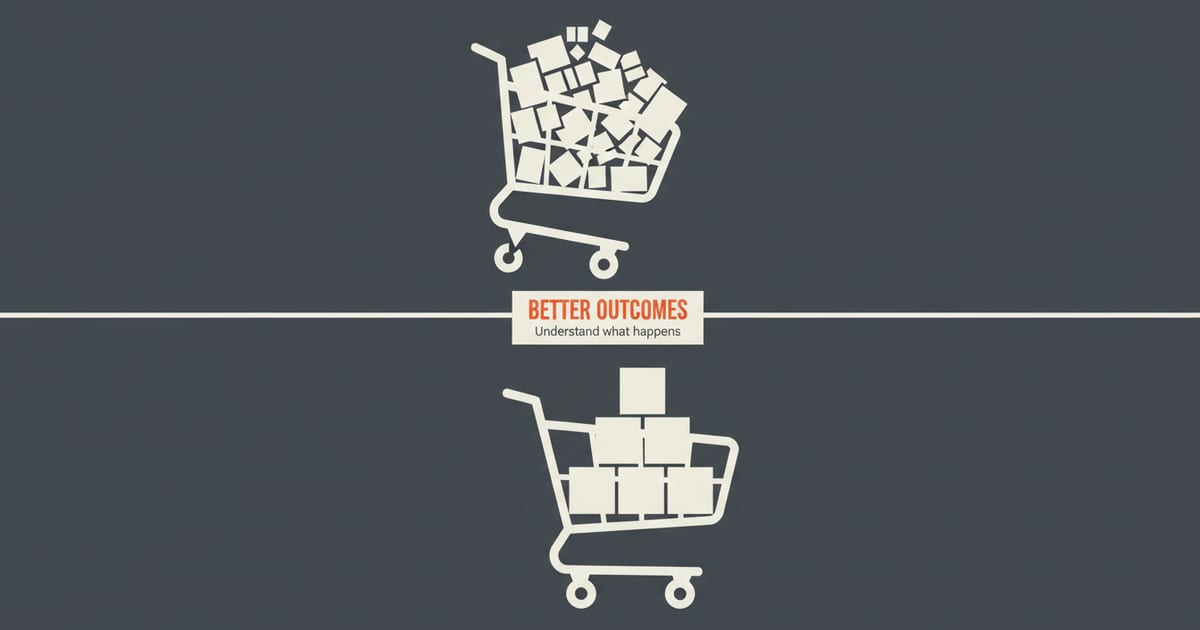
The previous system, which relied on an API called SubscriptionDraft, required app developers to build their own calculation logic. This meant each subscription app had to independently replicate Shopify’s rules for taxes, shipping, and discounts. This created a significant risk of inconsistencies between the initial order and later edits.
For example, a complex discount from a Shopify Function might apply correctly at the first checkout but not on a subsequent edit made through the subscription app. This could lead to customer confusion and support tickets when a bill was higher or lower than expected. The old method put a heavy burden on developers to keep up with Shopify's evolving features.
The new API centralizes this work. By routing all calculations through Shopify's core engine, it reduces the possibility of error. This ensures that no matter when a change is made, the same rules are applied, providing a consistent experience for both merchants and their customers.
A worked example of the old API's flaws
Imagine a customer subscribes to a $40 bag of coffee, with a "subscribe and save" 10% discount, making it $36. Their shipping is a flat $5. The initial order in Shopify Checkout is correctly calculated at $41. The customer is happy, and the transaction is smooth.
Next month, they use the customer portal to add a $15 bag of tea to their subscription. The subscription app, using the old SubscriptionDraft API, now has to calculate the new total itself. It might correctly add the products for a subtotal of $55, but its internal logic misapplies the 10% discount across both items, resulting in a $49.50 subtotal. It then adds the $5 shipping for a final price of $54.50.
However, Shopify's checkout logic would have only applied the 10% discount to the original coffee subscription line. The correct total should have been $36 (coffee) + $15 (tea) + $5 (shipping), which equals $56. When the customer is billed $56, it doesn't match the $54.50 they saw in their portal. This discrepancy erodes trust and creates a support ticket that costs your team time and money to resolve.
The cost of this single error goes beyond one customer. A support ticket to fix the billing mistake can cost $20 in agent time. If the frustrated customer issues a chargeback, that fee can be $15 for U.S. merchants, plus the lost revenue. Multiply this across hundreds of subscribers, and the financial damage from inconsistent calculation logic becomes a serious threat to profitability.
How does the new API calculate subscription changes?
The calculation process is designed to be safe and predictable. It follows a clear, two-step pattern of polling for a result. This prevents premature actions or errors if a calculation is complex and takes a few moments to complete. The process ensures that no change is finalized until Shopify has confirmed all the details.
First, a subscription app requests a calculation for a proposed change, like adding a new item to a monthly box. Shopify receives this request and begins processing it using the checkout engine. The API immediately responds that the calculation is pending.
The app then periodically checks, or "polls," the API for the result. Once Shopify completes the calculation, it provides a full breakdown of the new contract, including the updated subtotal, taxes, shipping, and final cost. The app can then display this to the customer and, upon confirmation, finalize the change.
The polling process in practice
This asynchronous "calculate, poll, commit" workflow is a deliberate trade-off. It prioritizes accuracy over instantaneous feedback. A simple change might calculate in milliseconds, but one involving complex Shopify Functions or multiple bundled products might take longer. Polling ensures the app doesn't act on incomplete information.
If a calculation fails, the API returns a failure status with specific errors explaining what went wrong. For instance, maybe the customer tried to add an item that cannot be shipped to their address. The subscription app can use this feedback to show the customer a clear error message instead of a generic failure notice.
This contrasts sharply with the old, synchronous method where a dozen or more separate steps were needed to build an edit. The new, stateless approach simplifies the process for developers and makes the outcome much more reliable for everyone else. It replaces a fragile, multi-step conversation with a single, robust request.
What does this mean for the subscription apps I use?
Your subscription app provider will need to update their software to use the new SubscriptionContractCalculation API. Major subscription apps on Shopify are likely already in the process of migrating. The old SubscriptionDraft API is being phased out, so this transition is a necessary step for apps to continue functioning correctly.
Once your app provider makes the switch, you should notice greater accuracy in how subscription edits are handled. Disputes over incorrect tax calculations or discounts that failed to apply on recurring orders should decrease. This lets you and your team spend less time on manual adjustments and customer service inquiries related to billing errors.
The named trade-off is a loss of direct control for the app developer in exchange for platform-level consistency. An app can no longer implement its own unique pricing or tax logic for edits; it must use Shopify's. For merchants, this is a significant win, as it guarantees that all calculations adhere to the same gold standard.
This change also standardizes the foundation that all subscription apps build on. It levels the playing field for core calculations, allowing app developers to focus on creating unique features and better user experiences. If you're evaluating different providers, our comparison of subscription apps can help you understand their other features.
A platform should feel like solid ground, not a moving floor. When core functions like taxes and discounts work the same way everywhere, merchants can build their business with confidence, and customers learn to trust the transaction.
What new subscription features does this API enable?
By integrating with Shopify's checkout engine, the SubscriptionContractCalculation API unlocks more advanced commerce features for subscription edits. Previously, many of these features only worked during the initial checkout. Now, they can be applied consistently across the entire subscription lifecycle.
One of the most significant advantages is support for Shopify Functions. These are custom pieces of code that merchants can use to create unique discounts, like "buy one, get one free" or tiered pricing. With the new API, these complex discounts can now be correctly applied when a customer modifies their subscription.
Worked example: Tiered discounts on subscription edits
Consider a Shopify Function that creates a tiered loyalty program: subscribers get 5% off their monthly order, but if their recurring order subtotal exceeds $100, the discount increases to 15%. With the old API, applying this logic to subscription edits was nearly impossible for an app to do reliably.
A customer with an $80 subscription (getting 5% off) might add a $30 accessory. The new subtotal is $110, which should unlock the 15% discount. The SubscriptionContractCalculation API, using the Shopify Function, correctly calculates this. It returns a preview showing the new, higher discount, which the app then presents to the customer.
International selling also becomes more reliable. Previously, calculating duties and import taxes on a subscription edit was a significant challenge for apps. Now, the API can leverage Shopify’s native cross-border logic. This means a customer in another country can add a product to their subscription, and the app can show them the true, fully landed cost.
This also opens the door for more dynamic shipping rates and localized tax compliance. As Shopify updates its own logic for calculating these costs, subscription apps using the new API will automatically inherit the improvements without needing a separate update from the app developer. This ensures ongoing accuracy as your business grows.
How does this change the experience for my customers?
The most direct benefit for customers is trust. When the price for adding an item to their subscription matches what they would expect from a new order, it builds confidence. There are no surprise charges or confusing discrepancies on their invoice. The amount they see is the amount they are billed.
This consistency makes self-service management more appealing. A customer is more likely to edit their own subscription if they trust the system to get it right. This can lead to higher retention and lifetime value, as customers feel empowered to adjust their orders to fit their needs without needing to contact support.
An edge case to consider
While accuracy builds trust, a perfectly correct calculation can sometimes be confusing. Imagine a customer adds a small, $5 item to their order. This small addition pushes their total package weight into a more expensive shipping tier, increasing the shipping cost by $7. The final price jumps by $12, which feels wrong.
The calculation is not the problem; the presentation is. The usual advice to simply show the final price is not enough here. A best-in-class customer portal will use the detailed data from the API to show a clear line-item breakdown: old subtotal, new items, new shipping cost, and new final total. This transparency turns a potentially negative experience into a moment of clarity.
Ultimately, the customer experience becomes smoother. The financial aspect of their relationship with your brand feels more professional and reliable. This small, technical change in the background translates to a tangible improvement in customer satisfaction and brand perception.
What action should merchants take now?
For most merchants, no immediate action is required. Your subscription app partner is responsible for implementing the new API. However, it is wise to be proactive. You can reach out to your app's support team and ask about their timeline for adopting the SubscriptionContractCalculation API.
Confirming that your app provider is on top of this change ensures your store will benefit from the increased accuracy and new features. It also protects you from any disruption that could occur as Shopify eventually deprecates the older API. Being informed helps you plan and avoid any future surprises.
If your provider has no clear timeline, that is a major red flag. Sticking with an app that does not adopt this new API means you will be cut off from Shopify's latest features, like new discount types or shipping rules. Your app will be running on borrowed time, and you risk significant disruption when the old API is eventually turned off completely.
How to talk to your app provider
Don't just ask if they "support the new API." Ask for specifics. You need to know how this change will manifest in your customer portal and what new capabilities you can use. This helps you verify that they have completed the migration, not just started it.
Send your app provider an email with a few direct questions to get the information you need. A clear request helps their support team give you a substantive answer. It shows you understand the issue and are looking for concrete details about your store's implementation.
Here are three key questions to ask:
1. What is your timeline for fully migrating to the SubscriptionContractCalculation API, and will all edits run through it?
2. Will my customer portal show a full, line-item preview for subscription changes, including taxes and shipping?
3. After the migration, will we be able to use Shopify Functions for discounts on subscription edits?
This is also a good moment to review your subscription offerings. Consider if you could leverage Shopify Functions to create more compelling subscription deals, knowing that the new API will handle the calculations correctly. For more ideas on improving your store, you can browse articles on our blog.
Frequently asked questions
Do I need to do anything to enable this API?
No, merchants do not need to do anything. Your Shopify subscription app provider is responsible for updating their application to use the new API. The change happens in their software, not in your Shopify admin.
Will this API change my subscription pricing?
The API itself does not change your product prices. It might, however, lead to more accurate calculations for taxes, shipping, and complex discounts on subscription edits, which could slightly alter a customer's final bill to be more correct.
Is the old SubscriptionDraft API going away?
Yes, Shopify is replacing the older API with the new SubscriptionContractCalculation API. While the old API will remain available for a time, it is considered deprecated and will not receive new features. App developers will need to migrate to the new system.
Can this API help with proration?
Yes, indirectly. Proration calculations for plan upgrades or downgrades are a key part of subscription management. By providing a definitive calculation of the new contract terms, the API gives an app the accurate data it needs to then correctly calculate and apply any prorated charges or credits.
What happens if a calculation fails?
If a calculation fails, the API returns an error message explaining the reason, such as an invalid product or an issue with a discount. A well-built subscription app will display this specific error to the customer, helping them correct the issue rather than showing a generic failure message.
Does this API work for all Shopify plans?
The API is available for all merchants using apps that manage subscriptions, regardless of their Shopify plan. However, some features it enables, like certain Shopify Functions, may require a specific plan like Shopify Plus.
Can customers manage their own subscriptions with this?
This API is a tool for the apps that provide customer portals. By making the calculations more reliable, it improves the experience your customers have when they manage their own subscriptions through the portal your app provides.
Does this affect one-time purchases?
No, this API is specifically for creating and editing subscription contracts. It does not change how one-time purchases are processed through the standard Shopify checkout.
 Install on Shopify