tacey
 Install on Shopify

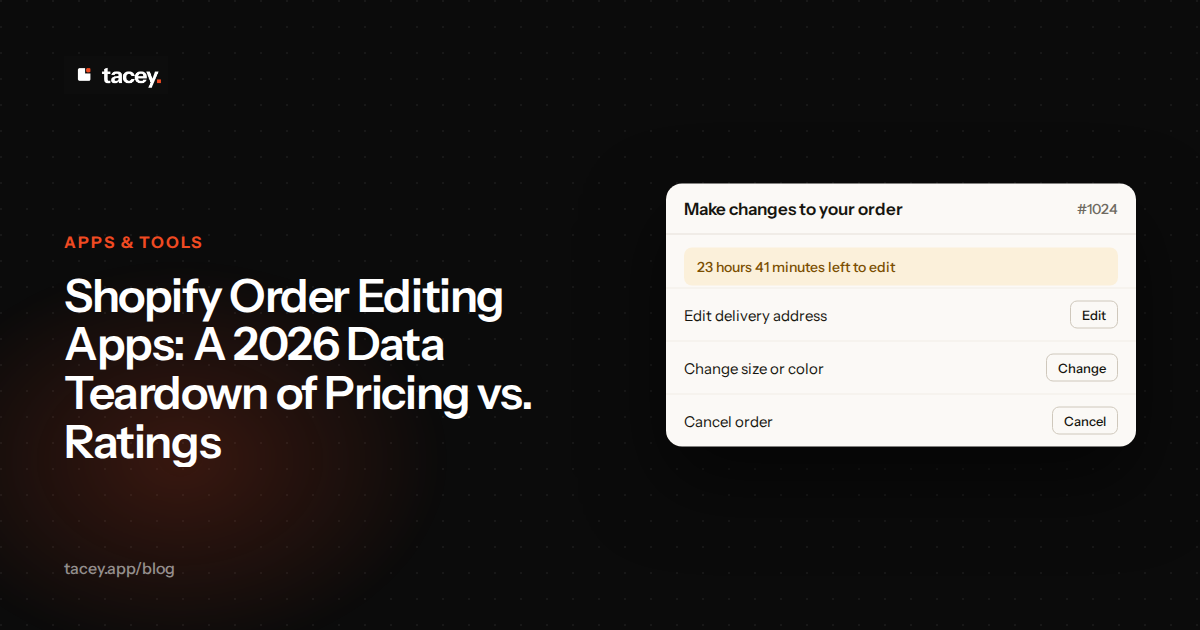
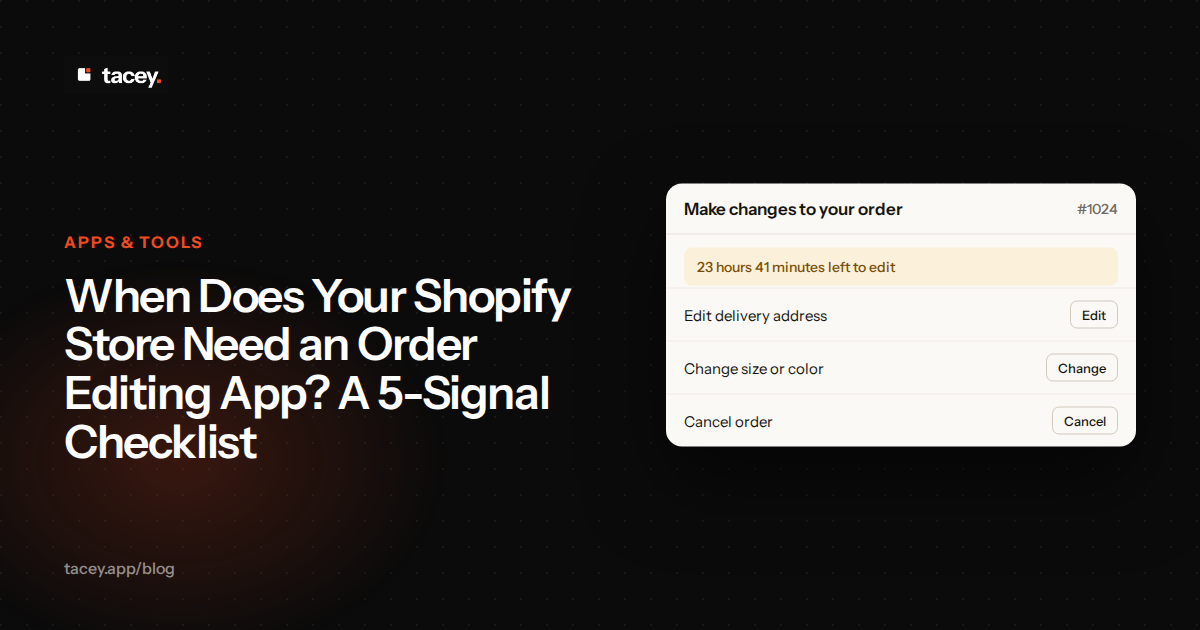
A customer places an order and then realizes they chose the wrong size or mistyped their shipping address. This common scenario can lead to a support ticket, a manual correction, and potentially a costly shipping error. An order editing app solves this by allowing customers to fix their own mistakes on the order status page, right after they pay but before the order ships.
The cost of a single uncorrected error is steep. It isn't just the price of one mistaken shipment. It's the cost of shipping the wrong item, the cost of return shipping for that item, the cost to ship the correct item, and often the complete loss of the original product if it's damaged or opened. Each mistake chips away directly at your profit margin.
This guide breaks down the public data on Shopify order editing apps, comparing pricing models, user ratings, and review volumes to give you a clear picture of the landscape in 2026. We'll examine what you get for your money and how to use this data to choose the right tool for your business.
How many order editing apps are on the Shopify App Store in 2026?
There are over 140 apps listed with order editing features on the Shopify App Store. This broad category includes everything from dedicated, specialist tools to larger suites where order editing is one of many features. This makes finding the right one a significant research project for any merchant.
These apps exist because Shopify does not have a native feature for customers to edit their own paid orders. While store staff can make changes in the Shopify admin, allowing customers to self-serve requires a third-party application. This is a critical function for reducing customer support workload and preventing incorrect shipments.
The Specialist vs. Suite Trade-Off
A specialist app does one job, like order editing, and aims to do it better than anyone else. These tools often have deeper integrations with logistics and fulfillment software because their focus is narrow. The trade-off is that you might need several different specialist apps to cover all your needs, such as returns, upsells, and loyalty.
A suite, on the other hand, bundles multiple functions into a single application. You might get order editing, returns management, and post-purchase upsells from one provider. This simplifies billing and reduces the number of apps you need to manage, but the individual features might be less powerful than a dedicated specialist tool.
The sheer number of options means merchants must look closely at what each app offers. Some focus only on editing, while others bundle it with returns, upsells, or analytics. This choice impacts not just cost but also the number of vendors a merchant has to manage, affecting the complexity of their toolset.
What is the typical price range for an order editing app?
The price for a Shopify order editing app can range from free to over $599 per month. This wide spectrum is due to different pricing models: some charge a flat monthly fee, some bill based on your total order volume, and others charge based on the number of edits performed.
Free plans are available, often with a cap on the number of edits per month, such as 20 or 25. Paid plans can start as low as $4.99 for basic functionality and scale up significantly. High-volume plans for larger stores can reach $399, $599, or more, depending on order counts and included features like enterprise integrations.
Worked Example: Modeling Your Costs
Let's compare two real-world scenarios. Store A gets 1,000 orders per month but has a high 10% edit rate (100 edits). Store B is larger, with 5,000 orders per month, but has a low 1% edit rate (50 edits). Store B has more orders but fewer actual edits.
For Store A (100 edits), a flat-fee app like Revize at $49/month for unlimited edits is cheaper than a hypothetical per-edit app charging $1 per edit ($100/month). This example highlights how a high edit rate can make flat-fee or order-volume models more attractive than per-edit pricing.
However, an order-volume model changes the math again. An app priced on total orders might cost Store A ($29/month) less than Store B ($99/month), regardless of their edit count. This shows why knowing your own edit rate is so critical before choosing a plan.
Because the models differ, the "cheapest" app depends on your store's specific usage. An app with a low flat fee might be best for a store with many edits, while a per-edit model could be more economical for a store where changes are rare. A merchant must know their numbers to make an informed choice.
Do higher-priced apps have better ratings and more reviews?
There isn't a perfect correlation, but there is a trend: apps with the highest review counts often have higher starting prices and volume-based tiers. However, several apps maintain a perfect 5.0-star rating across different price points, including those with free or low-cost plans.
Edge Case: When a 5-Star App is the Wrong Choice
A perfect 5.0-star rating is a strong signal, but it doesn't guarantee the app is right for you. The edge case that breaks this advice is a workflow mismatch. An app might have flawless ratings from stores that only need address edits, but it might fail completely at handling bundled products or complex tax recalculations.
If your store relies on a specific workflow that the highly-rated app doesn't support well, its five-star rating is irrelevant to you. This is why you must test apps against your most common and most difficult edge cases, not just the simple ones. The best app for everyone else might be the wrong app for your business.
This data suggests that a high price doesn't guarantee a better app, nor does a low price indicate poor quality. Instead, price is more often tied to the business model (e.g., serving high-volume enterprise clients) and the breadth of features offered, such as deep integrations with ERP and 3PL systems.
The table below gathers public data from Shopify App Store listings as of November 2026. It provides a snapshot for comparing some of the most visible apps in the category. (Full disclosure: we build Tacey, and have included it here for a complete comparison.)
| App Name | Starts At (USD/month) | Rating | Reviews (approx.) | Pricing Model |
|---|---|---|---|---|
| Tacey | $29 | Not Rated | N/A | Order Volume |
| OrderEditing.com | $99 | 5.0 | 352 | Order Volume |
| Revize | Free | 5.0 | 144 | Flat Fee / Free Tier |
| AE: Order Editing & Upsell | $25 | 5.0 | 263 | Order Volume |
| Cleverific Order Edit | $29 | 4.5 | 280 | Per Edit / Volume |
| Orderify | $4.99 | 4.8 | 72 | Shopify Plan |
Who are the top-ranked order editing apps by review count?
Based on public App Store data, OrderEditing.com has the most reviews in the dedicated order editing category, with approximately 352. This indicates a long-standing presence and wide adoption among Shopify merchants. It is often positioned as a solution for high-volume stores needing extensive integrations.
Following it are apps like Cleverific Order Edit, with around 280 reviews, and AE: Order Editing & Upsell, with about 263 reviews. These apps have also established a significant user base. Revize, while newer, has quickly gathered 144 reviews, largely due to its strong feature set on its free and flat-rate plans.
How to Read Between the Lines of App Reviews
A concrete step you can take is to read an app's one-star reviews first. This isn't to be negative, but to find patterns. Do the complaints center on poor support, a specific bug, or incompatibility with a tool you also use, like a 3PL or a specific checkout? These are red flags.
Also, pay attention to what the five-star reviews praise. Are they excited about the exact feature you need, or are they praising a function you'll never use? A review is only useful if it comes from a store that operates like yours. Look for reviews that mention your business type, size, or specific challenges.
Review counts can be a useful signal for an app's stability and market tenure. An app with hundreds of reviews has likely been tested across a wide variety of stores. It also suggests a more developed support system and knowledge base is available to help new users who run into issues.
How does Tacey's pricing compare to top competitors like OrderEditing.com and Revize?
Tacey uses a straightforward order-volume model with an accessible entry point and no feature gating. All plans include a 14-day free trial and start at $29/month for up to 750 orders. Every feature, from order merging to the free gift and Recommended for you row, is included in every plan from the start.
OrderEditing.com also uses an order-volume model, starting at a higher price of $99/month for up to 2,500 orders. Its pricing scales into higher tiers for enterprise-level clients, and it lists a number of direct integrations with various logistics and ERP systems.
Revize offers a different approach, with a free plan for up to 20 edits and a flat-fee Starter plan at $49/month for unlimited edits. Its model gates some advanced features, such as post-purchase upsells and store credit refunds, behind its more expensive $149/month Pro plan.
The risk with feature-gated plans is the sudden price jump. Your costs can triple overnight, from $49 to $149, simply because you need one feature locked away on a higher tier. This makes budgeting unpredictable. A model that includes all features on every plan ensures your costs only rise as your entire business grows, not because you need to access a single, critical tool.
What features do the most popular order editing apps advertise?
The most popular apps go beyond simple address changes. Core features that merchants look for include the ability for customers to swap product variants like size or color, change quantities, add or remove items, and cancel the order entirely within a set time window.
Advanced features often differentiate the apps and justify higher prices. These include post-purchase upsells, where customers can add recommended products to their paid order. Other key functions are automated workflows, integrations with Shopify Flow, and connections to 3PLs and ERPs like NetSuite.
Setting Your Edit Window: A Balancing Act
A crucial feature is the "edit window, " but setting it involves a key trade-off. A longer window, say, 12 hours, is great for customer convenience but increases the risk of edits crossing paths with your fulfillment team. A short window of 30 minutes is safer for operations but less helpful to a customer who spots a mistake later.
The right window depends entirely on your fulfillment speed. If you use a 3PL that picks orders within an hour, your window must be shorter than that. The cost of getting this wrong is chaos: a customer edits an order that has already been packed, leading to a guaranteed shipping error, an angry customer, and a costly fix.
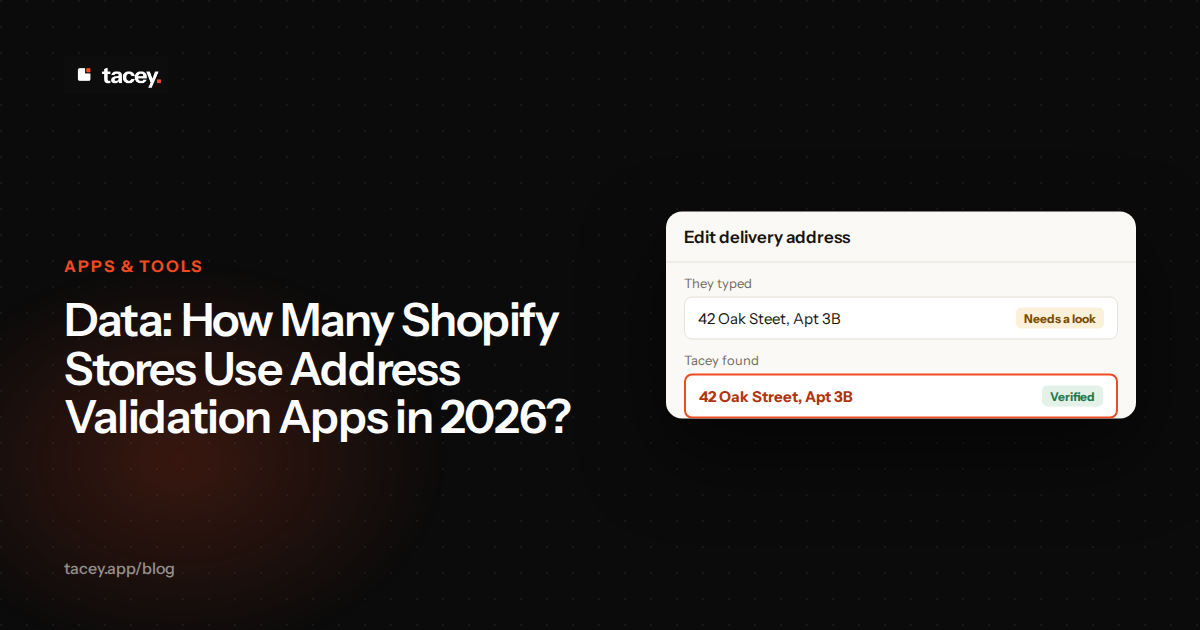
Address validation is another critical feature, often powered by Google, which helps reduce delivery failures by catching typos before they become shipping errors. The ability to offer store credit for refunds and to handle complex tax or discount recalculations automatically are also premium features found in more comprehensive solutions.
The best tool is one that solves the specific, recurring problems your support team faces every day, without forcing you to pay for a dozen features you will never use.
Is there a correlation between price and an app's category rank?
An app's ranking on the Shopify App Store is influenced by more than just price. It's a mix of review velocity, overall rating, keyword relevance, and potentially advertising spend. While some of the most expensive, feature-rich apps rank highly, so do apps with popular free plans.
The App Store's algorithm prioritizes signals that a merchant has found a solution. These include not just installs, but also low uninstall rates and active usage. An app with a high install count but high churn can rank lower than an app that is kept and used, as this signals to Shopify that the app is truly solving the merchant's problem.
A high rank can indicate popularity and user satisfaction, but it doesn't directly correlate to value for your specific store. An app might rank first for "order editing" because it has a high volume of new reviews, but a lower-ranked app could be a better fit if its pricing model aligns with your edit frequency.
Ultimately, merchants should treat category rank as one signal among many, not a definitive guide. The data in the comparison table above, combined with a clear understanding of your own business needs, provides a more reliable basis for making a decision than relying on rank alone.
How can a merchant use this data to choose the right app?
The most effective way to use this data is to first understand your own store's needs. Before choosing an app, analyze your support tickets for one month to find your "edit rate"-the percentage of orders that require a manual change. This is the most important number you can have.
A Concrete Step: Calculating Your Edit Rate
To find your edit rate, go into your help desk software or shared inbox. Create a specific tag, like "Order Edit Request, " and instruct your support team to apply it to every customer conversation about changing a paid order for the next 30 days. Don't be generic; be precise.
At the end of the month, count the total number of tagged tickets. Then, go to your Shopify Analytics and find your total number of orders for that same period. Divide the number of edit tickets by the total number of orders, then multiply by 100 to get your percentage. This is your edit rate.
Once you know your monthly order volume and typical edit rate, you can model your costs against the different pricing structures. A store with 5,000 orders and a 1% edit rate (50 edits) has very different needs than a store with 1,000 orders and a 10% edit rate (100 edits), even though the second store is smaller.
With Tacey, that decision is simpler. Every feature we offer is available on every plan, so you never have to upgrade just to unlock a key function. Our pricing scales transparently with your store's total order volume, starting at just $29/month.
This allows you to provide a complete post-purchase editing and upsell experience for your customers from day one. You can get started by exploring our order editing features or installing directly from the Shopify App Store.
Frequently asked questions
Can a customer edit their order after it has shipped?
Once an order or a single item in it has been fulfilled, a customer cannot change the items already on the order or its shipping address. Tacey allows this by default, letting a customer add a new product even after the original items have shipped, as long as it is within the merchant-set edit window. This new item would ship as a separate parcel.
Do order editing apps work with Shop Pay Installments?
Generally, no. Orders paid with Shop Pay Installments, along with B2B orders or those placed through some third-party apps, typically cannot have their items edited. Customers can usually still edit contact details or the shipping address on these orders, but not the products themselves.
Will installing an order editing app slow down my store?
No, order editing apps run after checkout on the thank you and order status pages, which are separate from the core checkout flow. They do not run during the checkout process itself, so they have no impact on your store's conversion rate or page speed during the sale.
What is an "edit window"?
The edit window is the period of time after a customer places an order during which they can make changes. Merchants can typically set this window, for example, from 15 minutes to several days, to match their fulfillment operations and prevent edits to shipped orders.
How do customers pay if they add an item that costs more?
When a customer makes a change that increases the order total, the app generates a Shopify payment link. The customer must pay the difference before the order is released for fulfillment. If they don't pay, the edit is typically reverted.
 Install on Shopify